Why Use a QR Code on Your SphereCard?
Turn a glance into a client. With one quick scan, your QR opens your SphereCard — proof, communication, and booking in one shareable access point. No heavy website. No back‑and‑forth.
Why a QR SphereCard?
Instant access: One scan opens your SphereCard anywhere — posters, flyers, screens, storefronts. Always up to date: Edit your SphereCard once; your QR code never changes. Frictionless communication: People can message, call, video chat, or book in seconds. Trackable growth: See where scans happen and which placements convert. No printing waste: Replace stacks of paper cards with one reusable code.
Where to Use Your QR
Offline: Event badges, booth displays, pop‑up banners, window decals, car wraps, invoices, receipts. Print collateral: Flyers, brochures, postcards, appointment cards, door hangers, menus. Online: Email signatures, Zoom backgrounds, profile banners, slide decks, YouTube end screens. In‑store: Counter stands, table tents, kiosks, product tags.
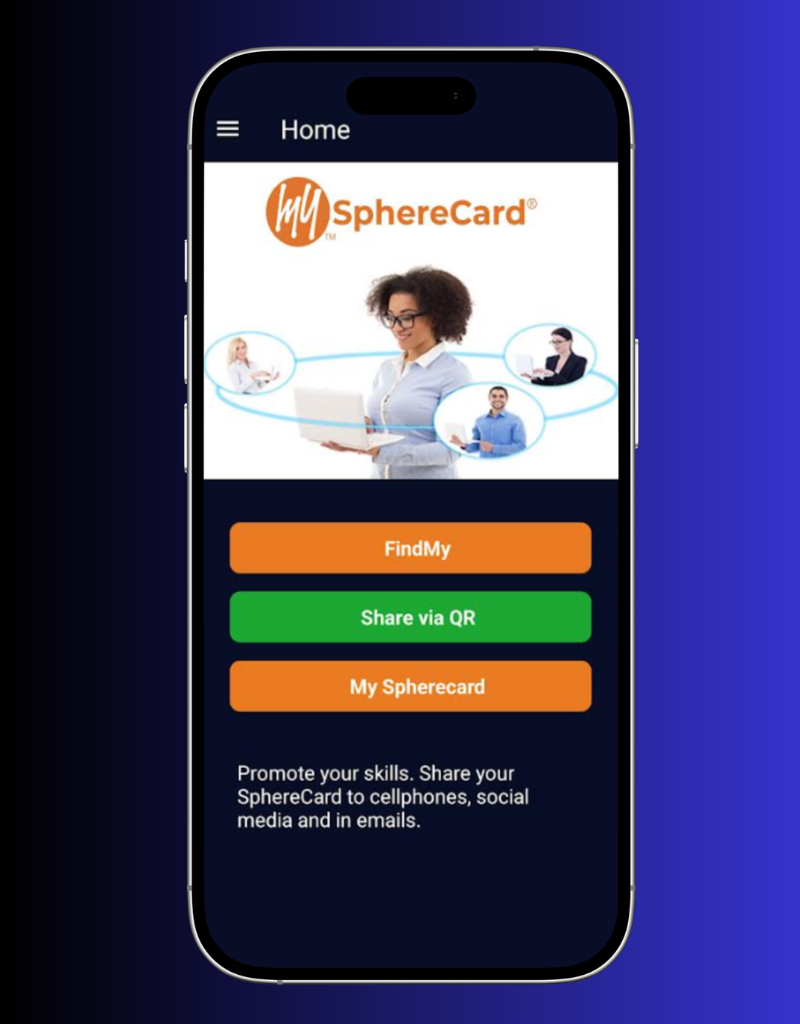
Open your SphereCard on mobile to locate your QR button.
What Opens After the Scan
Professional snapshot: A clear overview of your work. Action buttons: Message, video chat, call, directions, schedule. Smart links: Your website, socials, and external resources — organized and branded. Media: Video intro, portfolio, service examples.
Everything is structured so people understand you in seconds.
Your Listing After the Scan
Credibility at a glance: Your listing may include a video intro, testimonials, ratings, and portfolio/media. Action buttons: Message, video chat, call, directions, and Book Now. Smart links: Your socials, site, and deep links — organized and branded.
Your Flyer Is Always Accessible
Anyone can download it from the Resource section of your SphereCard, find it through search engines, or discover it on Find My SphereCard — anytime, anywhere.

Share Your Listing the Professional Way — Outbound Only
With SphereCard NFC, you send a .vcf card to nearby devices. No “tap‑to‑open,” no data reading, no surprises.
Why SphereCard’s NFC Is Different (and Safer)
Outbound only: You transmit your vCard (.vcf). You do not read or pull data from anyone’s phone. Android “tap‑to‑open”: You can tap Android‑to‑Android to get contact info. Clear consent: The recipient chooses to open/save your contact — just like any shared file. Privacy note: Your phone only sends your contact card. It never reads from the other device.